PulpoChatStart free

YouTube updates with Flows

Your next video,ready to share.

The flow checks YouTube on a schedule and reviews which videos appear in the log. Check the publication destination before activating it.

Requires a plan with Flows, configured connections and a test execution.

PulpoChatVideo selected for review

Sample video: a new yoga class on YouTube.

Video selected for review

New yoga class · check destination and compatibility before publishing.

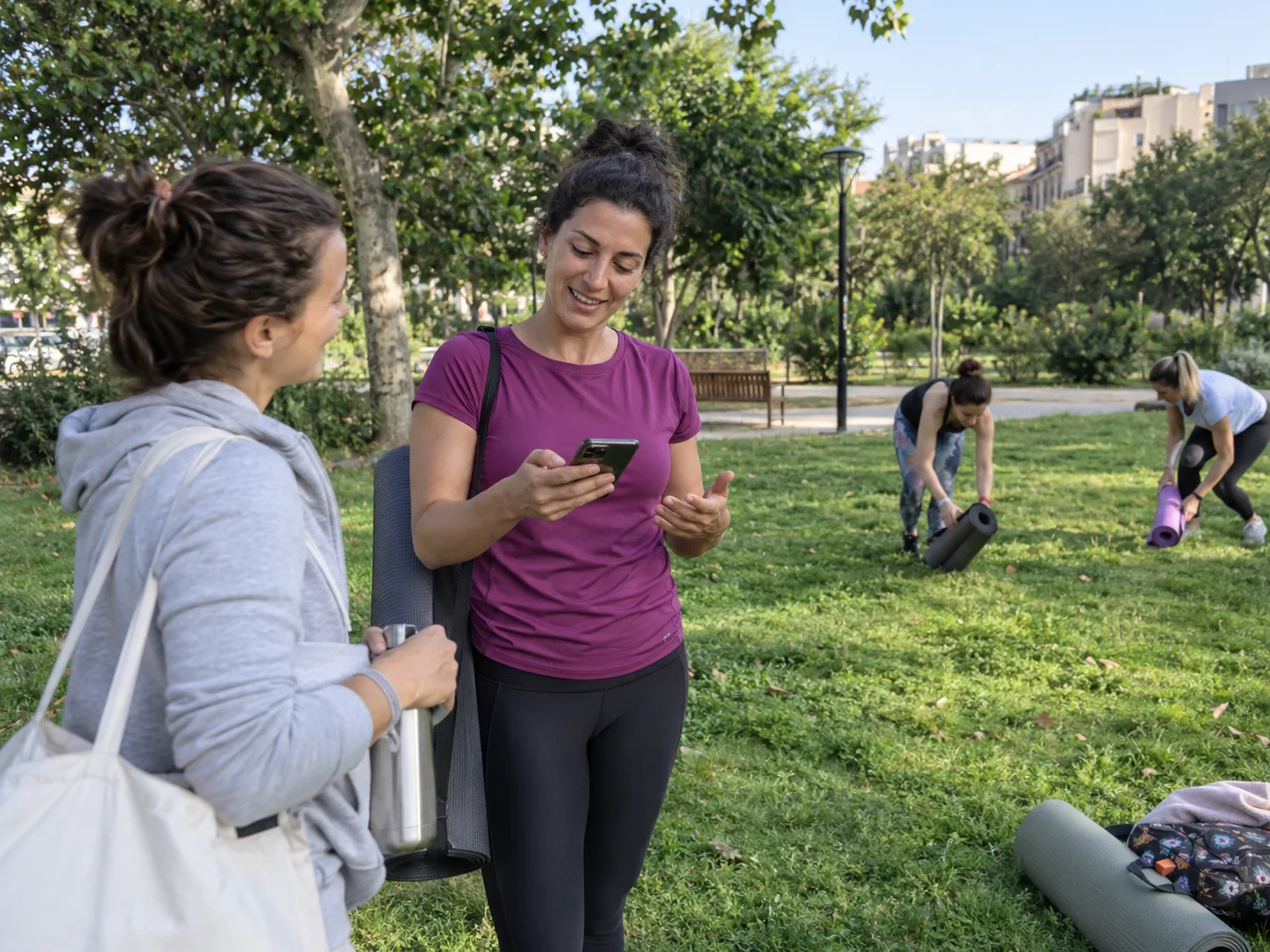
A yoga teacher checks her phone after an outdoor class.

A task in your business

Sample video: a new yoga class on YouTube.

PulpoChatVideo selected for review

Sample video: a new yoga class on YouTube.

  1. ScheduleCheck YouTube
  2. Google SheetsReview the log
  3. Destination reviewValidate before publishing

Video selected for review

New yoga class · check destination and compatibility before publishing.

Start from a prepared flow

Adapt connections and data

Test before activating

From the start to the result.

This demonstration ends at selection and logging; it does not represent a send to a channel.

The schedule runs

YouTube updates with Flows

Sample video: a new yoga class on YouTube.

This demonstration ends at selection and logging; it does not represent a send to a channel.

PulpoChatVideo selected for review

Sample video: a new yoga class on YouTube.

  1. ScheduleCheck YouTube

    The scheduled trigger starts the video search.

  2. Google SheetsReview the log

    The agent checks whether the video is already listed in the sheet.

  3. Destination reviewValidate before publishing

    Check compatibility and the channel action in your account.

Video selected for review

New yoga class · check destination and compatibility before publishing.

The catalog includes this template; the demo does not establish publication to a channel.

Explore the template steps

The diagram shows the catalog's nodes and connections. Review their fields and credentials inside the Flows editor.

Get YouTube VideosAI Social Media ManagerDaily MemoryFilter Valid VideosPosted Videos LogYouTube Shared Videos S…PulpoChatCheck if New VideoCheck if Video Was Post…OpenAI Chat ModelSchedule Trigger
View the original catalog description

The flow is prepared. You provide the configuration.

Sign in to Pulpo, open Flows and find this template by name. The “Use template” button loads the flow into the editor.

  1. Choose “Use template”

    Open Flows in your account and choose this template from the catalog. «Publish latest YouTube videos on a WhatsApp Channel»

  2. Prepare its connections

    Complete credentials, data and instructions for your business task.

  3. Test the result

    Run a representative case and check each step before activating the flow.

Before you start

  • A Pulpo account and plan with Flows available.
  • YouTube, OpenAI and Google Sheets credentials; schedule and log prepared.
  • Channel destination compatibility and permissions checked in your account before enabling sending.

Before using this template.

What should I check in this flow?

The template name mentions a WhatsApp channel. The current compatibility of that destination needs checking in your account.

What happens after I register?

Open Flows and choose “Use template” in the catalog. Registration opens your account; you will still need to configure and test the flow.

Can I change the steps or stop the flow?

You can edit the nodes and deactivate the flow in the editor. Repeat the tests when you change instructions, connections or data.

Can external connections have separate costs?

Yes. AI models and connected services may require their own account, permissions and usage fees. Review each template connection.

Your next video, ready to share.

Start free

Create your account, open Flows and choose this template. Adapt the connections and check the result before activating.

Start for free

Create your account here. Connect your number from a computer.

Seven days free, no card.