PulpoChatStart free

WhatsApp channel button

Your channel exists. Nobody gets there.

For anyone who opened a WhatsApp channel and has spent months waiting for people to turn up on their own.

Make my channel button

Free and no account. The code is yours.

Paste your channel link and that's it.

Copy it from WhatsApp, pick the corner and the size, and take the code with you.

Copy it from the channel, under "Channel info". It starts with whatsapp.com/channel followed by twenty-four letters and digits.

It shows inside the button, next to the icon. Leave it empty and only the icon is left.

It shows on hover. It doesn't appear on touch screens, so don't put anything important in it.

Corner
Size

How it looks

Your code

It goes inside the <body> tag of your site. Anywhere in it.

A door to the chat. A team on the other side.

The button opens your channel. Add a chat link to your posts so people can talk to your team.

From your channel to your chat

They’ve messaged you. Now help them.

Hi, I saw the classes on your channel. What time is yoga?

Post a link to your number in the channel. Pulpo organizes incoming chats when you connect that number.

PulpoChatShared inbox
Carmen OrtizChat assigned
Sara

Hi, I saw the classes on your channel. What time is yoga?

Hi, Carmen! Thursday’s class starts at 7:00 pm. Does that work for you?

The team can see who is handling the chat.

A visible owner and chat context shared with your team.
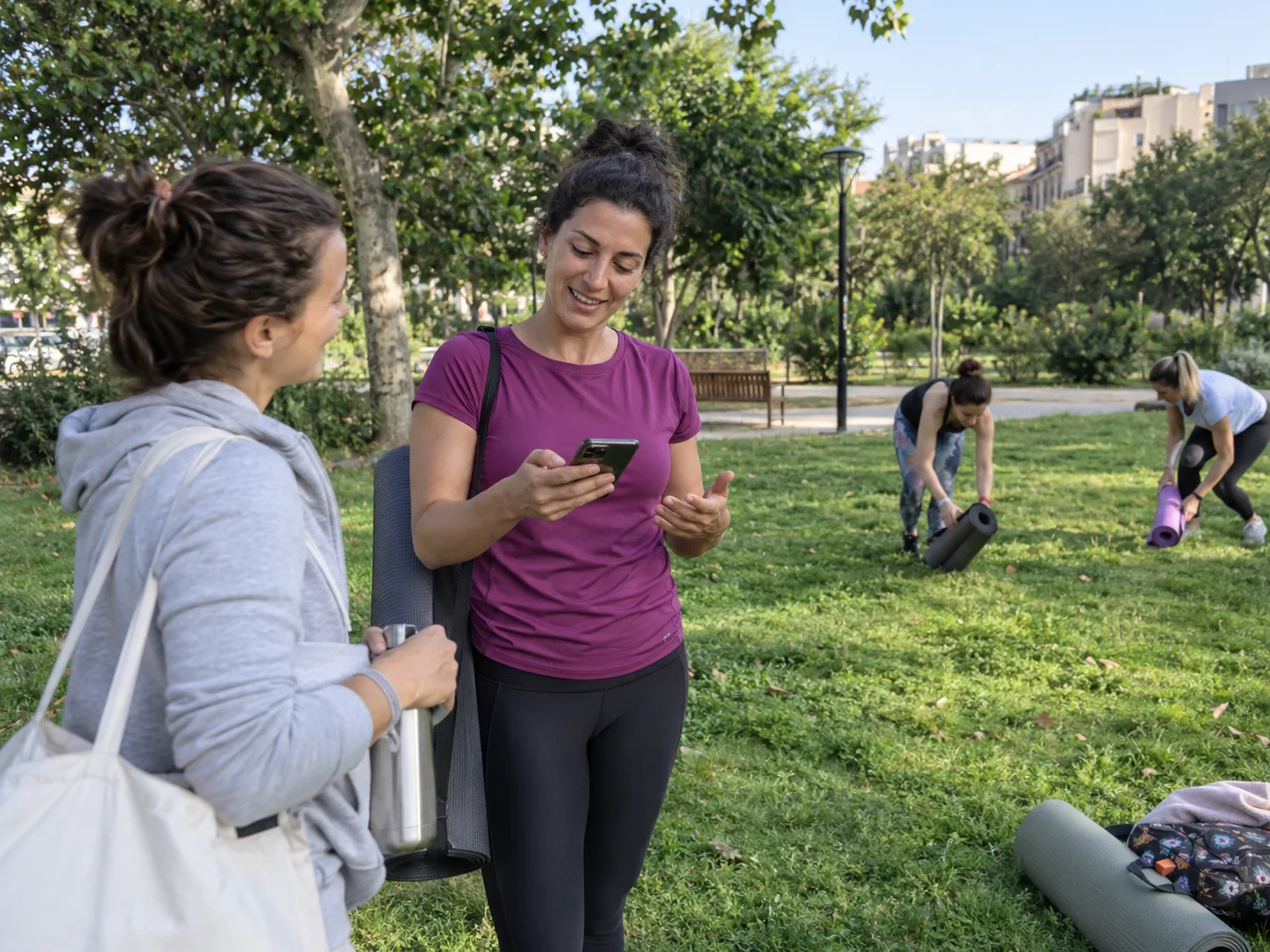
A yoga teacher checks her phone after an outdoor class.
Business keeps moving

Your team can continue the conversation.

Stay close, even between classes.

Assign conversations, keep the context and draft replies with AI. Each person signs in with their own access.

How your team works in Pulpo

Chat ownersWho handles each chat

ContextMessages and internal notes

RepliesShortcuts and AI drafts

Questions

What people ask before pasting it.

Where do I find my channel link?

In WhatsApp, open your channel, go to "Channel info" and copy the link. It starts with whatsapp.com/channel.

Do I need to have a channel already?

Yes. The channel is created in WhatsApp, not here: this makes the button that points at yours.

Does it work with WordPress, Shopify or Wix?

Yes. It's HTML, so it works anywhere that lets you paste code.

Can I use the channel one and the chat one together?

Yes, but not in the same corner: one on the right and one on the left, or they sit on top of each other.

Will I know who joined from my site?

No, and it isn't up to us: WhatsApp doesn't say who follows a channel. If you need to know who you're talking to, that's a number, not a channel.

A channel tells. A number talks.

Post on the channel and leave a number where people can reply to you.

Start for free

Create your account here. Connect your number from a computer.

Seven days free, no card.